For Bloggers & Writers

Your Google Doc
is your blog editor.

Stop wrestling with WordPress or Substack. Cloudpad turns your Google Doc into a live, SEO-ready blog — automatically, in minutes, for free.

Why bloggers choose Cloudpad

No learning curve. No plugins. No hosting bills. Just write.

Write in Google Docs

The editor you already use. No new tools, no login to another platform.

Publish in seconds

Save your Doc → your post is live. No deploy step, no export, no copy-paste.

SEO built-in

Auto meta tags, structured data, clean URLs, fast loading, free SSL. Google-ready from day one.

Free forever

Free hosting, free subdomain, free SSL. Upgrade to Pro when you want a custom domain.

How Blog Mode works

Sign in with Google

We create your blog and share a Google Doc with you instantly.

Use H1 headings as post titles

Each H1 in your Doc becomes an individual blog post, with its own URL and archive entry.

Your blog auto-publishes

Save your Doc and your blog updates within minutes — live at you.cloudpad.io.
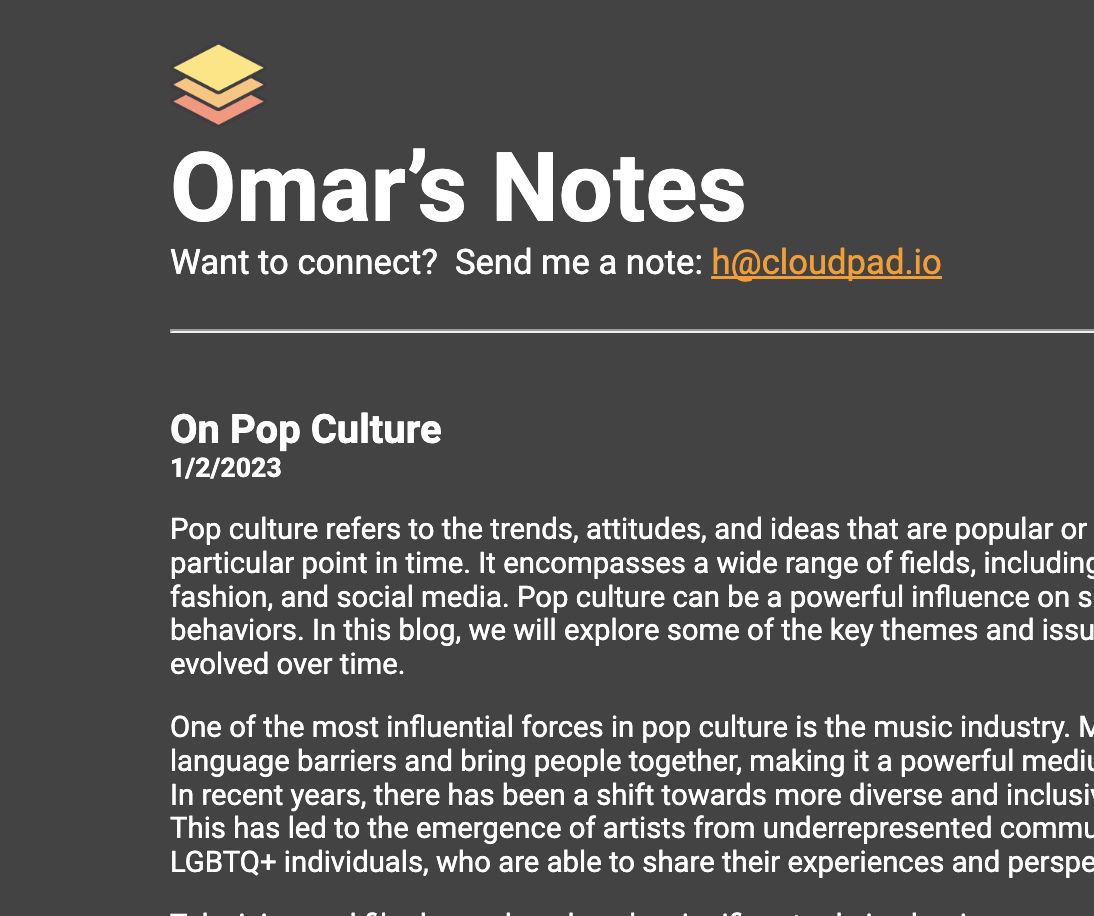
Example Cloudpad blog

Cloudpad vs. traditional blogging

Why bloggers are switching.

Cloudpad Cloudpad
  • Write in Google Docs
  • Live in under 5 minutes
  • Free hosting & SSL
  • Auto SEO optimization
  • No plugins or themes
  • Free forever plan
WordPress / Ghost / Substack
  • New editor to learn
  • Hours of setup
  • Monthly hosting fees
  • Manual SEO plugins
  • Theme customization required
  • Paywalled features

Start your Google Docs blog today

Free hosting, free subdomain, no credit card. Your blog could be live in the next 5 minutes.

Start for Free