Blog Mode

Start a blog with
Google Docs.

Cloudpad's Blog Mode turns your Google Doc into a live, SEO-ready blog automatically. Write in the editor you already know — we handle everything else.
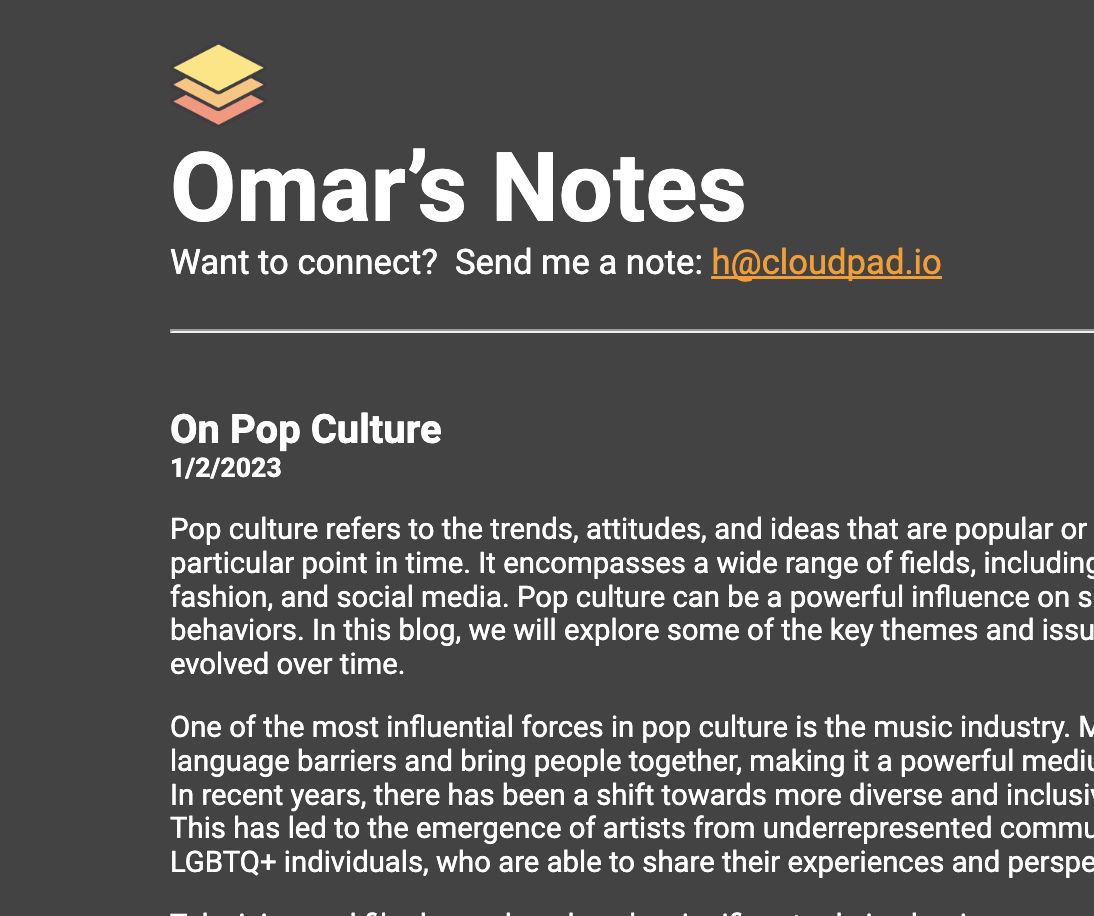
Blog built with Cloudpad Blog Mode

How Blog Mode works

From Google Doc to live blog in three steps.

1
Sign up & enable Blog Mode

Sign in with Google. We create your blog site and a Google Doc. Enable Blog Mode in your dashboard with one toggle.

2
Write with H1 headings

Each H1 heading in your Doc becomes a separate blog post title, with its own URL (e.g., you.cloudpad.io/my-post) and archive entry.

3
Save → your blog goes live

Cloudpad syncs your Doc every few minutes. No deploy, no export, no copy-paste. Just save and your post is live.

What you get with Blog Mode

Auto-generated archive page

A clean archive page lists all your posts with titles and dates. No configuration needed.

Individual post URLs

Each blog post gets its own shareable URL, automatically generated from the H1 heading.

Built-in SEO for every post

Auto-generated meta title, meta description, Open Graph tags, and structured data on every post.

Auto-sync every edit

Update a post in your Doc — the live post updates within minutes. No manual publishing.

Your Google Doc
My first blog post
← this becomes the post title

Welcome to my blog. Here's what I've been thinking about lately...

Another post title
← each H1 = new post
↓ Auto-publishes to your blog
you.cloudpad.io
📄 My first blog post  ·  Jan 15
📄 Another post title  ·  Jan 18

Blogging FAQ

Your blog, powered by Google Docs

Free forever. No credit card. Live in under 5 minutes.

Start Your Blog Free